How to Build a UGC Portfolio That Lands Brand Deals
Learn how to build a UGC portfolio that gets brands to notice you — even with zero experience. Step-by-step guide with examples and a free checklist.
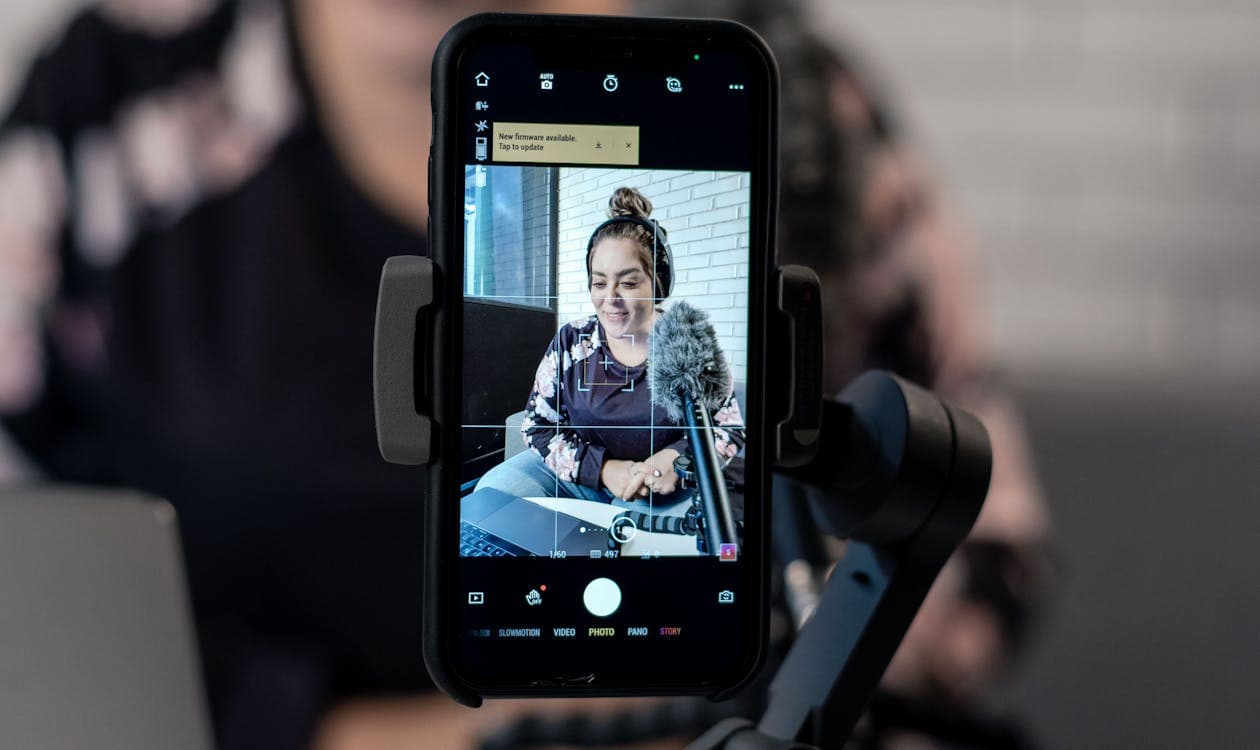
Brands don't care about your follower count. They care about your portfolio. It's the single thing standing between you and paid work — and you can build one today, even if you've never worked with a brand before.
Brands aren't hunting through Instagram bios hoping to stumble on talent. They're browsing portfolios and creator profiles, looking for someone who can make their product look good in a way that feels authentic. The demand for that kind of content keeps growing, which means the demand for creators who can deliver it keeps growing too.
That's what a UGC portfolio does. It shows — not tells — brands what you're capable of. Building one doesn't require a single paid gig. You can put together a portfolio that gets you hired using products you already own, a smartphone, and a free afternoon.
Here's the whole process, from scratch.
What Makes a UGC Portfolio Actually Work
Before you start creating content, it helps to understand what brands are looking at when they evaluate a creator's portfolio. It's not complicated, but it is specific.
Four things matter:
- Content quality — Good lighting, clean composition, the product visible and in focus. This doesn't mean studio-level polish. It means the photo or video looks intentional, not accidental.
- Niche relevance — Your content style fits their product category. A beauty brand wants to see skincare and cosmetics shots. A fitness brand wants gym and wellness content. Your portfolio should feel like it belongs in their world.
- Variety — A mix of photos and videos. Lifestyle shots, product demos, maybe an unboxing. Brands want to know you can handle different content types, not just one format on repeat.
- Professionalism — A clear, short bio. Organized layout. Easy to contact. Sounds basic, but a surprising number of creators skip this and lose gigs they were otherwise perfect for.
Here's what doesn't matter as much as you think: quantity. Five to eight strong pieces beat thirty mediocre ones. Brands are making a quick visual decision — does this person's work match what we need? — and they're doing it in seconds. One great lifestyle photo tells them more than a page of filler.
Brands are actively looking for creators right now. Most don't have a formal system for finding UGC talent — they're browsing profiles and portfolios hoping to find someone who fits. Your portfolio is how you prove you're worth hiring.
For a deeper look at what triggers a hire, check out What Brands Actually Look For When Browsing UGC Creators — it covers the brand's perspective in detail.
Build Your Portfolio From Zero (Step by Step)
You don't need brand deals to build a portfolio. You need a phone, some products you already own, and a plan. Here's the plan.
Step 1 — Pick Your Content Niche
You don't need to pick a single product category and commit for life. But you do need a content style — a visual lane that makes your portfolio feel cohesive rather than random.
Think about what you already use and enjoy. That's your starting point. Some of the most common UGC niches:
- Beauty and skincare
- Food and drink
- Fitness and wellness
- Home and lifestyle
- Tech and gadgets
- Fashion and accessories
- Pets
Choose one to start with. Maybe two if they overlap naturally (fitness + wellness, beauty + skincare). You can always expand later. Right now, the goal is a focused portfolio that signals to brands: "I get this category."
Pick products you genuinely use and like. That comes through in the content — brands can tell the difference between someone who's engaged with a product and someone going through the motions.
Step 2 — Create 5-8 Spec Pieces With Products You Already Own
This is the core of the whole process. "Spec" content just means practice work — photos and videos you create using products you already have at home. No brand deal required. No brief. Just you, demonstrating what you can do.
Here's what to aim for:
- 2-3 product lifestyle photos — A skincare bottle on your bathroom counter with morning light. A pair of headphones on your desk next to a coffee. A candle on a side table with a cozy throw in the background. Natural light, natural setting, product as the star.
- 1-2 short videos (30-60 seconds) — Film yourself actually using a product. Applying skincare. Trying on shoes. Making a smoothie with a blender. Keep it casual and genuine.
- 1 product demo or unboxing — Show the product from packaging to use. People love watching someone open something new.
Don't skip video. Video consistently outperforms photos in ad engagement, and brands know it — video creators are always in demand. Even a simple 30-second clip of you using a product is stronger than an all-photo portfolio.
A few technique tips that make a big difference:
- Shoot near a window. Natural light is free and it's the best light source you have. Side lighting (window to your left or right) creates depth and makes products look more interesting.
- Keep backgrounds clean. Move the clutter out of frame. You don't need a studio — you just need a clear surface and some visual space.
- Show yourself interacting with the product. Brands want to see the product in use, not just sitting on a table. Pick it up. Apply it. Pour it. Wear it.
- Don't over-edit. The whole point of UGC is that it feels human-made. Slapping heavy filters on everything defeats the purpose.
Not sure what to shoot first? These 5 product categories photograph beautifully with a smartphone — they're a great place to start. And for getting the lighting right, this guide on smartphone product photography covers everything from window setups to DIY reflectors.
Want a step-by-step checklist you can follow while building your portfolio? Use the portfolio structure and brand pitch tips in this guide to go from "I want to try UGC" to your first paid gig.
Step 3 — Organize by Content Type
Once you have your spec pieces, organize them so a brand can scan your work in under ten seconds.
Group your content logically:
- Photos — Lifestyle shots, flat lays, product-in-use
- Videos — Demos, unboxings, testimonials
- Before/After — If relevant to your niche (skincare, fitness, home organization)
Lead with your strongest piece. That first impression matters. One killer lifestyle photo up front does more for you than burying it behind three average shots.
Add a short line of context to each piece if the format allows it. Something like: "Skincare routine — shot on iPhone, natural light, self-directed." It shows you're thoughtful about your work without overexplaining.
And be ruthless about cutting. If a piece doesn't make you look good, remove it. An empty slot is better than a weak one.
Step 4 — Write a Short, Benefit-Focused Bio
Your bio should take someone about five seconds to read. That's it. Long backstories, life philosophies, and mission statements belong on your personal blog — not your creator profile.
Here's a template that works:
[Name] creates [content types] for [niche] brands. [One sentence about your style or approach.]
Examples:
Sarah K. creates lifestyle photos and product demos for beauty and skincare brands. Clean, bright aesthetic with a focus on texture and natural light.
Marcus T. shoots fitness and supplement content — quick-cut videos, gym lifestyle, and product-in-action shots.
Notice what's missing: follower counts, years of experience, long paragraphs. Nobody reads those. Lead with what you create and who it's for.
Include a way to reach you — email address, link to your profile, or a simple "DM me for rates." Make it easy for someone to hire you.
Step 5 — Choose Where to Host Your Portfolio
You have two paths here. Most guides only mention the first one. The second one is worth paying attention to.
Option A: Standalone Portfolio (The Traditional Route)
Build a portfolio you can share via a link. Options from simplest to most polished:
- Google Drive folder — Easiest possible setup. Upload your best work, organize into folders by content type, share the link. Done in 20 minutes.
- Canva portfolio page — More visual. Free templates designed for portfolios. Looks professional with minimal effort.
- Notion page — Clean, modular, easy to rearrange. Good if you like to organize things.
- Portfolio website (Wix, Squarespace, Carrd) — Most professional option. Worth it once you're getting steady work.
A standalone portfolio is best for cold pitching, freelance applications, and linking from your social media bios.
Option B: Marketplace Profile (The Storefront Approach)
Instead of building a portfolio and then figuring out how to get it in front of brands, you set up a profile on a creator marketplace. Your profile is your portfolio and your storefront. You showcase your work, set your rates, describe what you offer — and brands come to you.
The difference matters. With a standalone portfolio, you create it, then spend time finding brands and pitching them. With a marketplace profile, you set up once and let brands browse and find you. Completed orders add new content to your profile automatically. Reviews and a track record build over time. The portfolio grows itself.
Think about it: only 2% of creators say building a portfolio is the hard part. 60% say the hardest thing is reaching out to brands. A marketplace removes that step entirely. Your profile does the selling while you focus on creating.
On platforms like Modliflex, you set up an offer — your niche, your content types, your rates — and brands who need that exact kind of content find you through browsing. No cold emails. No pitch decks. No hoping someone sees your DM.
You don't have to choose one or the other. Many creators maintain both: a marketplace profile for inbound work and a standalone portfolio for opportunities that come through cold pitching or other channels.
Step 6 — Make It Easy to Hire You
This sounds obvious, but it's where a lot of creators drop the ball. A great portfolio with no clear way to start working together is just a gallery.
Make sure:
- Your email or preferred contact method is visible (not buried)
- Your marketplace profile link is in your social media bios
- Your portfolio link is easy to share (not behind a login or a complicated URL)
A brand manager browsing creator profiles is busy. If hiring you requires detective work, they'll move to the next profile. Make the path from "I like this person's work" to "I'm hiring this person" as short as possible.
UGC Portfolio Examples (And What Makes Each One Work)
Theory only gets you so far. Here are four portfolio approaches that work — and what makes each one click with brands.
The Niche-Focused Portfolio
A creator who only shoots food content. Every photo features a product in a kitchen or dining setting. Warm lighting, overhead angles, close-ups of texture. A brand selling olive oil or cookware looks at this and immediately sees their product fitting in. There's no guesswork about whether this creator "gets" their category.
Why it works: Instant relevance. The brand doesn't have to imagine how their product would look — they can see it.
Best for: Creators who feel strongly about one category and want to attract brands in that space specifically.
The Versatile Content Mix
Six to eight pieces across formats: a few lifestyle photos, a product demo video, a talking-to-camera testimonial, an unboxing. All in the same general aesthetic — clean, bright, minimal — but covering different content types. Organized into clear sections.
Why it works: Shows range without losing cohesion. A brand looking for someone who can handle their full content calendar sees flexibility.
Best for: Creators who want to keep their options open and work across content types.
The Marketplace Profile
A creator's listing on a UGC marketplace — bio, niche, rates, portfolio pieces, completed orders, reviews from past brands. The profile grew organically: started with spec content, then real orders replaced the spec pieces over time. Star ratings and repeat clients visible.
Why it works: Built-in social proof. Reviews and completed order counts do the selling. The creator doesn't have to pitch — brands browse and buy.
Best for: Creators who want inbound work without cold outreach.
The Canva One-Pager
A single-page PDF built in Canva. Name, photo, bio, niche, six portfolio images, contact info. Clean layout, brand colors, easy to email. Takes about an hour to create with a free Canva template.
Why it works: Low barrier to start. Looks polished. Easy to attach to a pitch email or share via link.
Best for: Beginners who want something professional-looking today without building a website.
5 Portfolio Mistakes That Cost You Brand Deals
These are the patterns that get creators scrolled past, even when their content is solid.
1. Over-polishing everything. UGC is supposed to feel authentic. If every photo looks like it went through a magazine retouching process, it defeats the purpose. Brands hire UGC creators because they want content that doesn't look like a studio produced it. Clean and well-lit? Yes. Heavily filtered and retouched? No.
2. Trying to cover every niche. A portfolio with skincare, fitness, pets, tech, food, fashion, and home decor says "I don't have a specialty." Brands want to see that you understand their category. Pick one or two niches and go deep.
3. Ignoring video. An all-photo portfolio is leaving money on the table. Video content is what brands need most right now — for ads, for social, for product pages. Even a simple 30-second clip shows you can handle the format.
4. Not updating. A portfolio with the same five pieces for six months signals that you've gone inactive. Add new work regularly. If you've completed paid gigs, swap out the spec content for branded work. Show that you're active and improving.
5. Hiding your contact info. If a brand has to hunt for how to reach you, most won't bother. Email address, marketplace profile link, or a clear "work with me" path — make it obvious.
Your Portfolio Is Live — Now What?
Publishing your portfolio is step one, not the last step. Here's how to make sure it actually gets seen.
Get discovered. If you're on a creator marketplace, optimize your profile — fill out every field, use keywords that match what brands search for, and make sure your best work is front and center. If you have social media accounts, put your portfolio or profile link in every bio. Make it effortless for someone to find your work.
Keep creating. Your first portfolio is a snapshot of where you are right now. It's not permanent. Keep shooting, keep practicing, keep replacing your weakest pieces with stronger ones. The portfolio you have in three months should be noticeably better than the one you launch today.
Expect iteration. Your first version won't be perfect. That's fine — it doesn't need to be. Ship it, see what kind of responses you get, and adjust. Maybe you discover that your video content gets more attention than your photos. Maybe a different niche clicks. Let the feedback guide you.
Follow up on the fundamentals. If you're just getting started with UGC in general, the complete beginner's guide covers everything from first gig to going full-time. Once you start getting work, you'll want to set rates that reflect your value. And if video feels intimidating, this unboxing video guide breaks down the format into simple steps.
Your portfolio gets you in the door. Your consistency and quality keep you there. Start with what you have, where you are, and build from there.
Ready to build your portfolio where brands actually find you? Create your free creator profile on Modliflex and start getting discovered.
Start earning with Modliflex
Join thousands of creators earning from product content. No followers needed — just a smartphone and the willingness to show up.
Create your free profile